
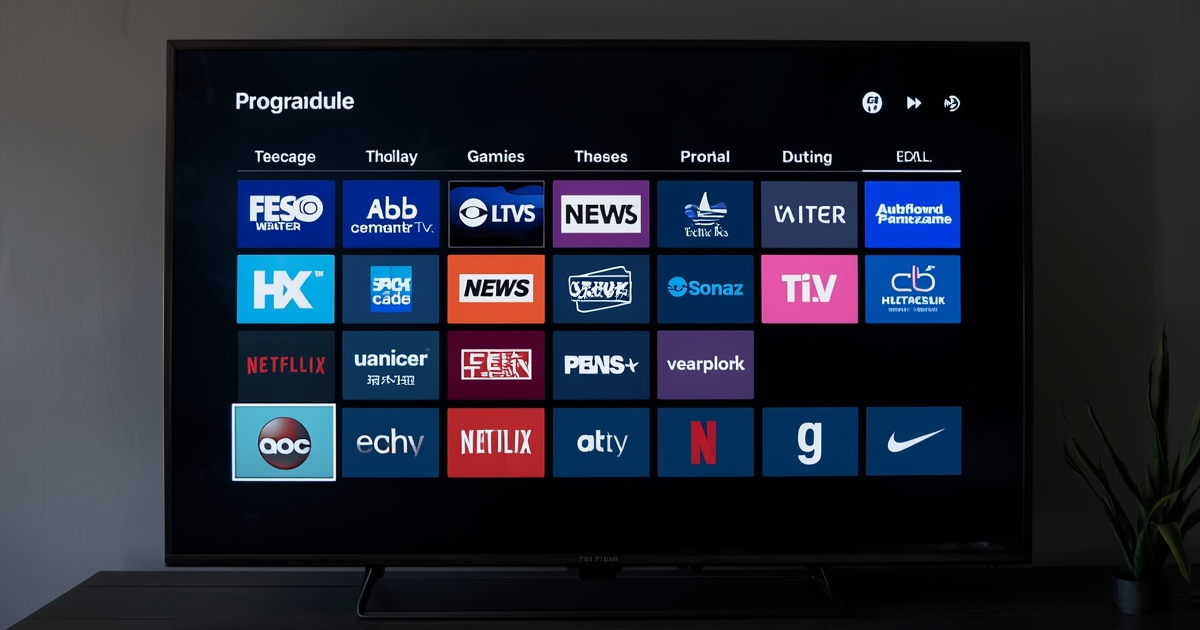
The electronic program guide, or EPG, is the grid-style schedule most IPTV apps show when you press guide or info on the remote. Most people glance at it just to see what is on right now, but it is worth spending a few minutes learning what else it can do.
Scroll forward to plan your evening, not just check the moment
The guide typically shows programming hours or even days ahead, not just the current time slot. Scrolling forward lets you plan an evening around what is actually coming up rather than channel-surfing in the moment, especially useful on nights with several things worth watching across different channels.
Mark favorite channels so the guide is shorter to scroll
Most apps let you flag a set of favorite channels, which trims the guide down to just the ones you actually watch. This matters more than it sounds on a large subscription with hundreds of channels, where scrolling through every single one to find your regulars gets tedious fast.
Use program descriptions to confirm you have the right event
Selecting a program in the guide usually shows a short description alongside it — useful for confirming you have the correct game, episode, or rerun before committing to watch, especially on sports channels where the listed title alone does not always make the matchup obvious.
Guide accuracy depends on the data feed, not your device
Occasional guide mismatches — wrong titles, missing descriptions, times slightly off — come from the underlying data feed a channel provider supplies, not a fault in your app or device. If the guide stops loading entirely rather than just showing occasional errors, that is a different issue covered in the guide to fixing a guide that will not load.
The guide and the on-demand library are separate things
The EPG only covers live, scheduled programming — it will not show you what is available to watch anytime in your on-demand library. Knowing which one you are looking at avoids the common confusion of assuming something is unavailable just because it is not sitting in the live schedule.